ChordKeeper Development & My AI Workflow
ChordKeeper
Here’s a bit about my development workflow on ChordKeeper so far and how I use Claude Code and Cursor.
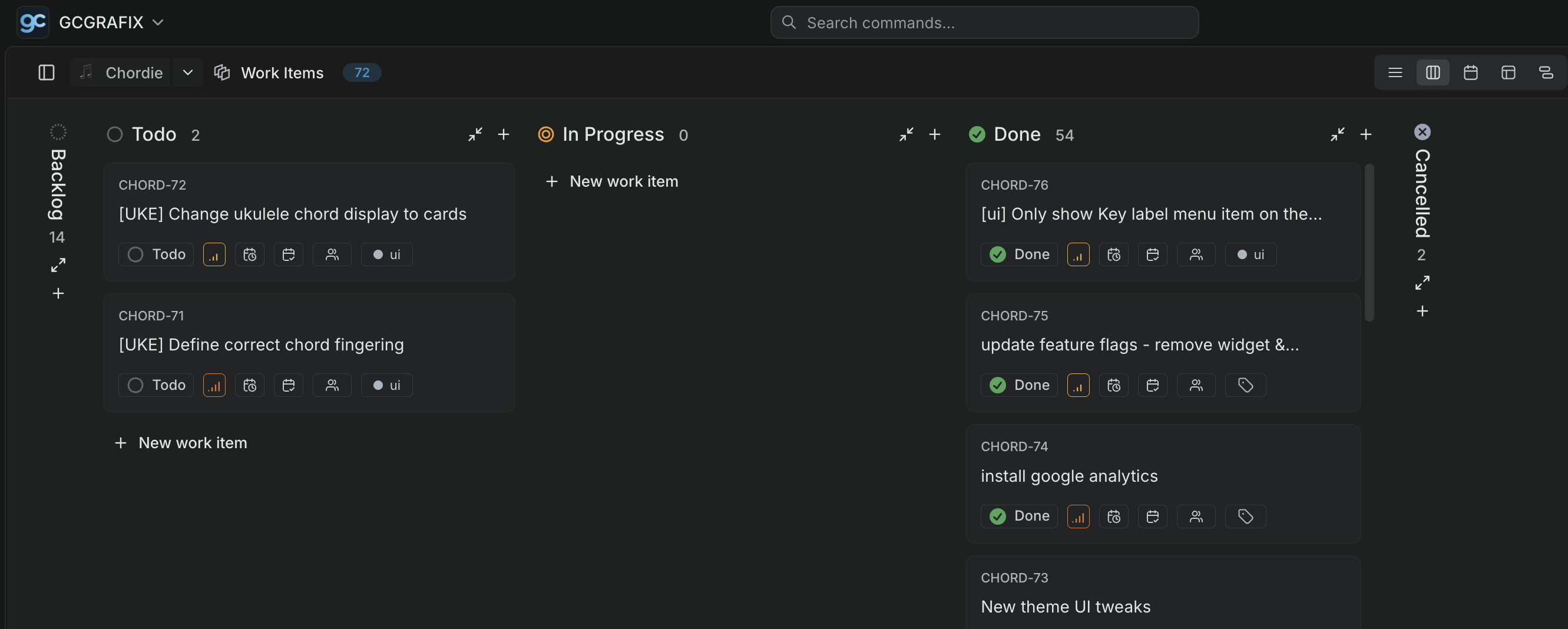
Planning on Plane
My development flow begins with ideation and planning. I usually start by jotting down feature ideas or improvements I want to make. This almost always happens on plane.so where I track all of my other personal projects. Tickets, big or small, are created for each feature or bug fix, and then prioritized based on impact and effort. I either use Wisprflow to dictate details into the ticket or type them out manually. The details are usually in prompt form, just they way I would prompt Claude Code or Cursor. I add images or links (links to my other projects, relevant docs from the internet, etc.) that provide more context.
I liked Plane’s UX more than Linear’s and so for my personal projects, I went with Plane. I also like that Plane has a generous free tier for personal use. That said, I’m leaning more and more towards migrating to Linear, mainly for integration with Cursor. I’m gradually working towards Agentic development where AI agents can pick up tickets from my project management tool and work on them autonomously. Linear’s integration with Cursor makes it easier to set this up, so it’s something I’m considering for the near future.
Development with AI
I tried a number of AI coding tools - Warp, Cline, Roo, Goose, Antigravity, etc. (and continue to explore new ones), but I’ve found that Claude Code and Cursor are the most enjoyable and effective for my workflow. Github Copilot (via VS Code) is also a staple in my toolkit.
The Tools
Claude Code
Claude Code is great. I love its ability to understand complex prompts and generate interactive open questions right in the CLI. I like that I’m able to remote shell into my dev environment and monitor Claude’s progress or answer its questions in real-time.
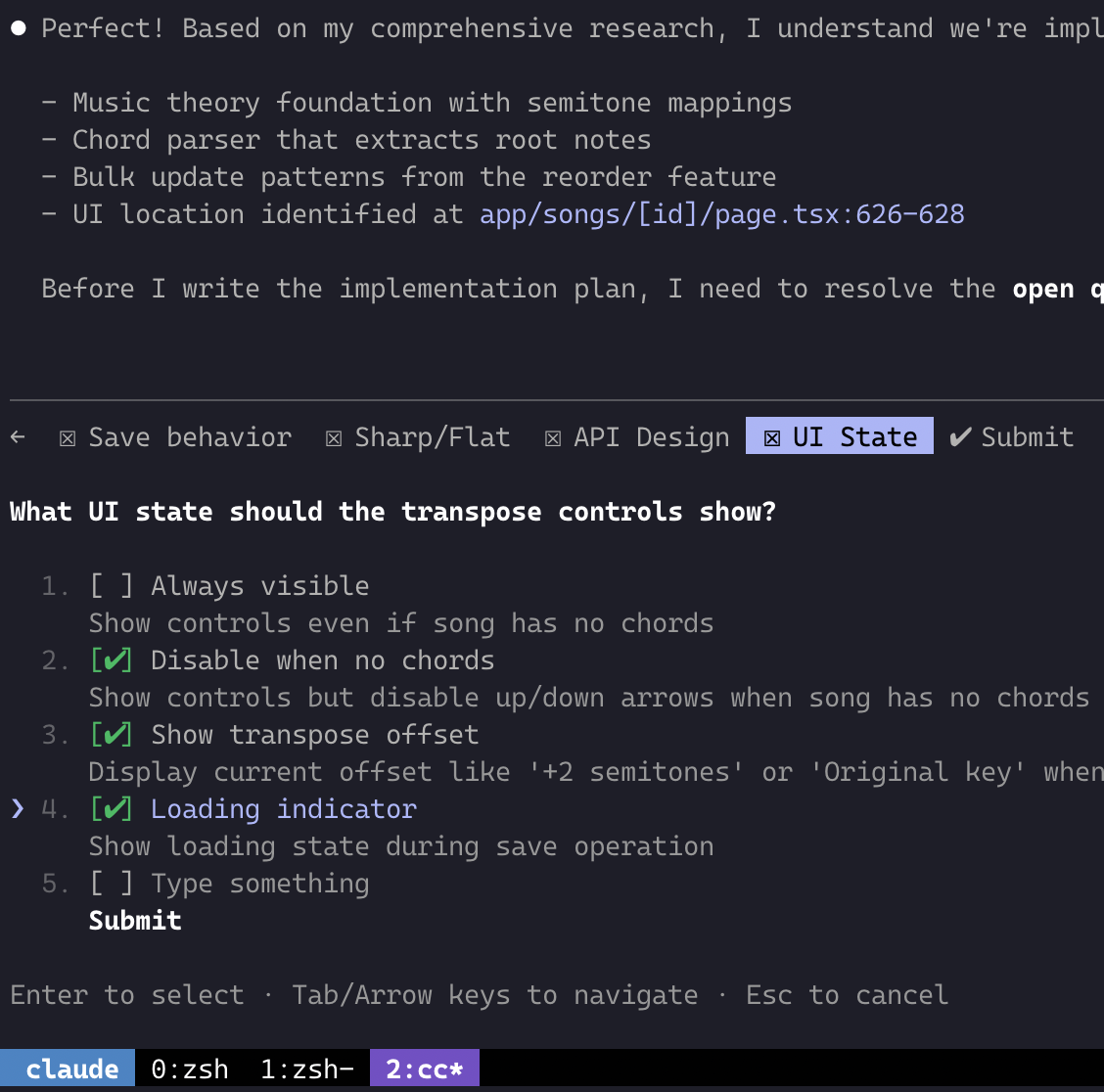
With the subscription tier I was on at the time, I did hit some rate limits, and so that was a bummer especially when dev flow is interrupted. But overall, Anthropic’s LLMs are my coding choice with any ADE (AI Development Environment) that I use.
Cursor
Cursor is now my go-to for any development tasks. It’s fast, concise and I don’t hit rate limit blockers. Being VS Code-based, I’m right at home.
GitHub Copilot in VS Code
GitHub Copilot is my trusty sidekick for grunt work or infra debugging.
Claude Context
The workflow I use with any agentic development is based on Human Layer’s approach to context engineering and a fork of their commands repository. I keep it in my claude-context repo.
My dev flow goes like this:
- Pick up a ticket from Plane
- Create a branch named after the ticket
- Run
/research_codebase TICKET-ID plus context and prompt details - Run
/create_plan plus the research doc it created in the previous step - Review the plan, answer any questions the agent has, clear context if needed to free up tokens
- Run
/implement_plan plus the plan it created in the previous step - Review code changes, test locally
- Commit, push, open PR, merge
- Deployment happens automatically via CI/CD (GitHub Actions + Dokploy)
The above commands are Claude Code commands, but I’ve adapted them for Cursor, Github Copilot and Warp as well.
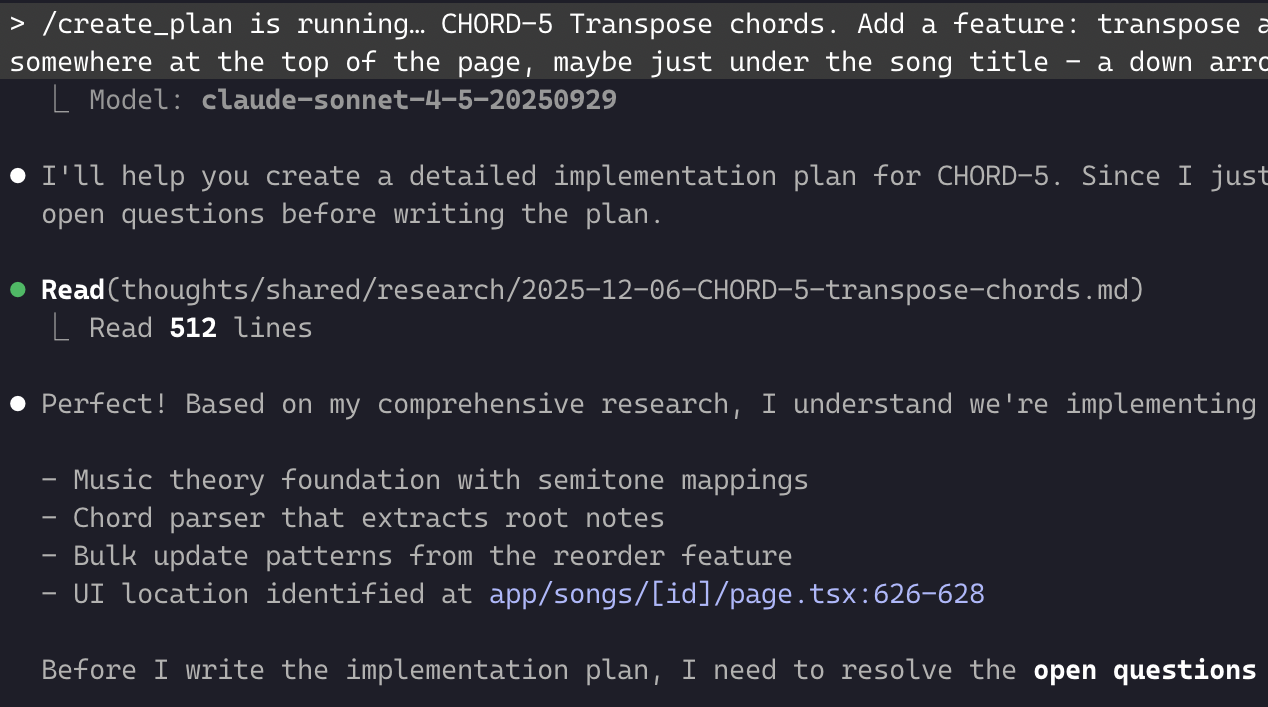
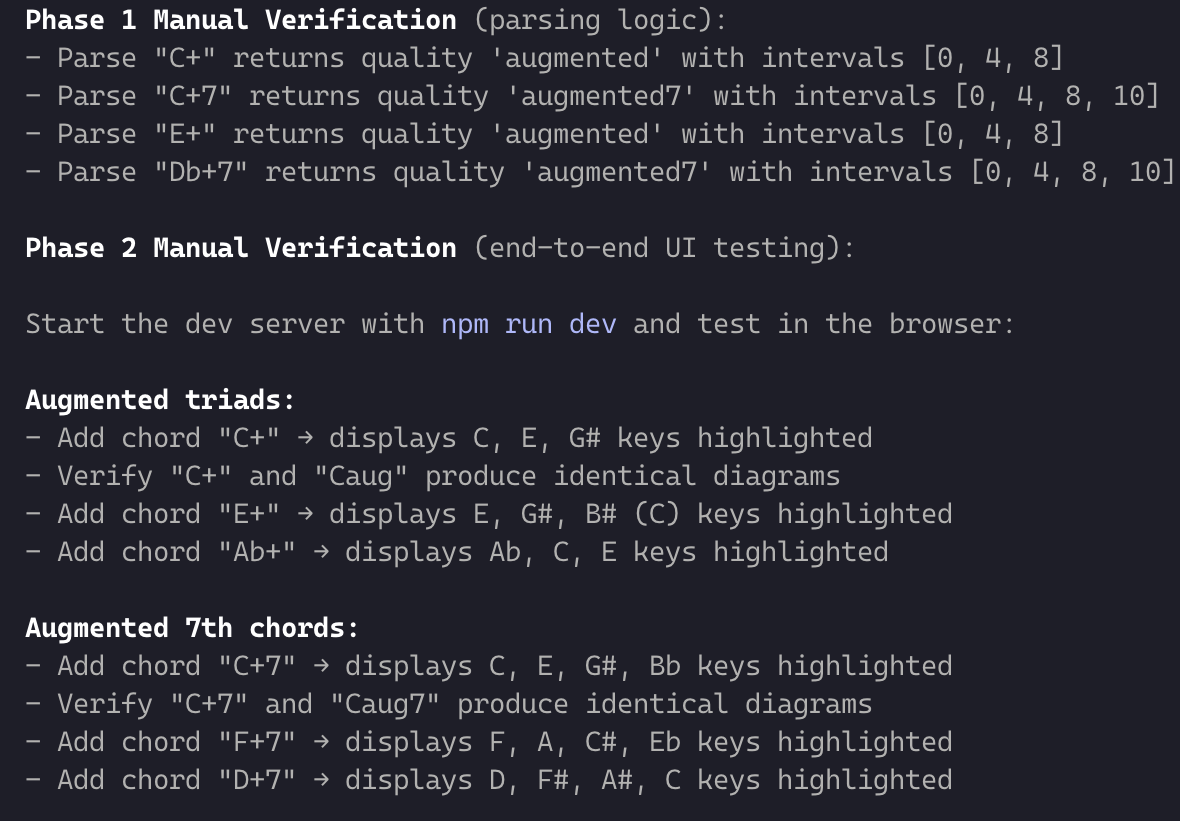
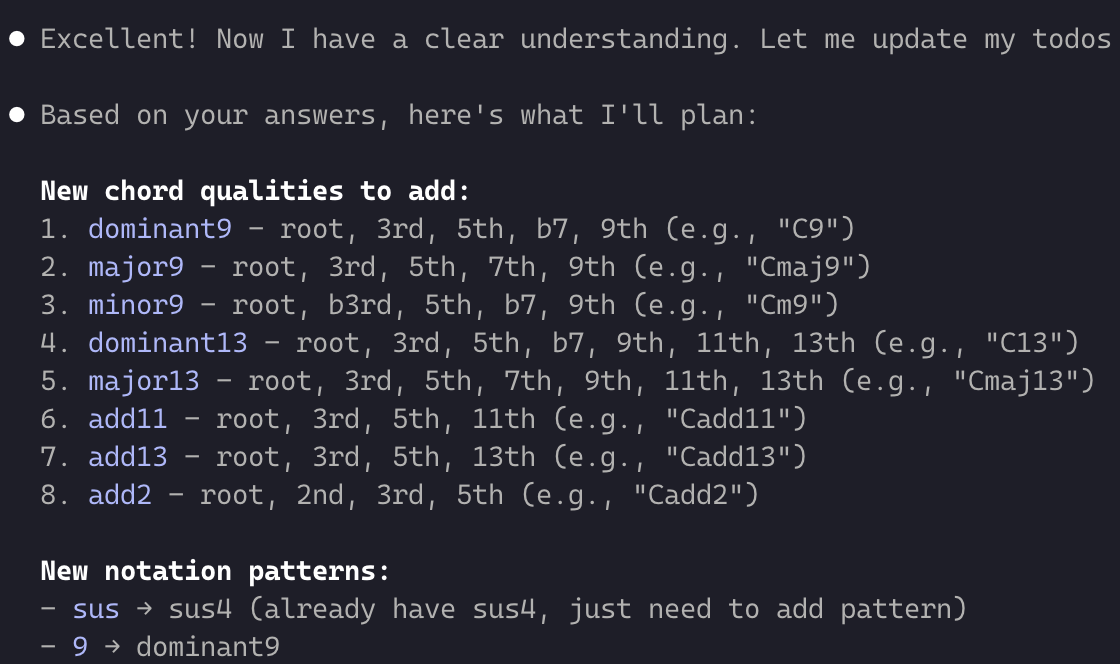
Overall this has been a solid workflow. It mimics team/human-only dev workflows at LinkedIn that I’m familiar with. Add to that, agent commands that replace what we did as human engineers - researching, planning, implementing. The key is breaking down tasks into manageable chunks and letting the AI handle the heavy lifting while I provide guidance and context.
Next Steps
As I’ve hinted at earlier, the next natural step is towards agentic [autonomous] development - greater productivity and getting more done with my projects.